AUTO_INCREMENT
1. What is AUTO_INCREMENT?
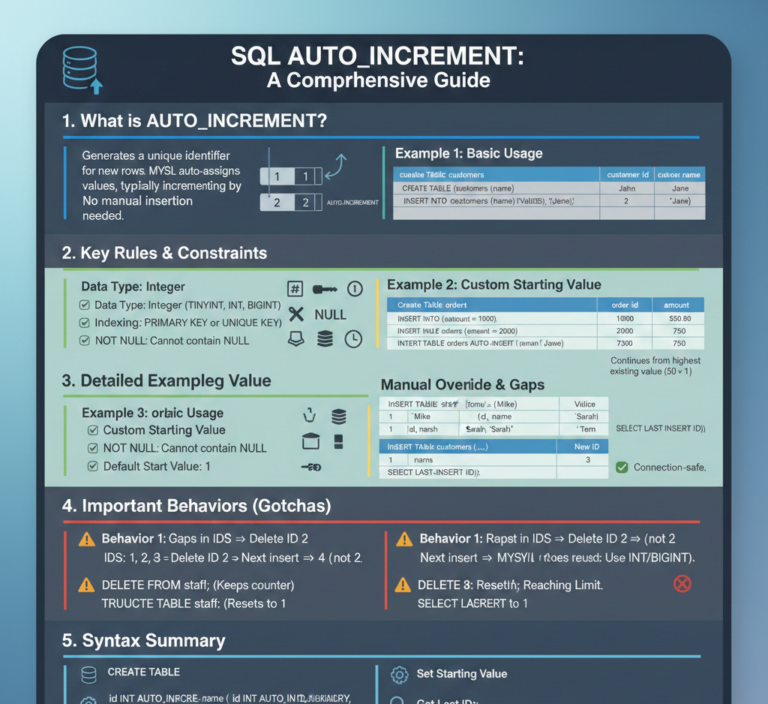
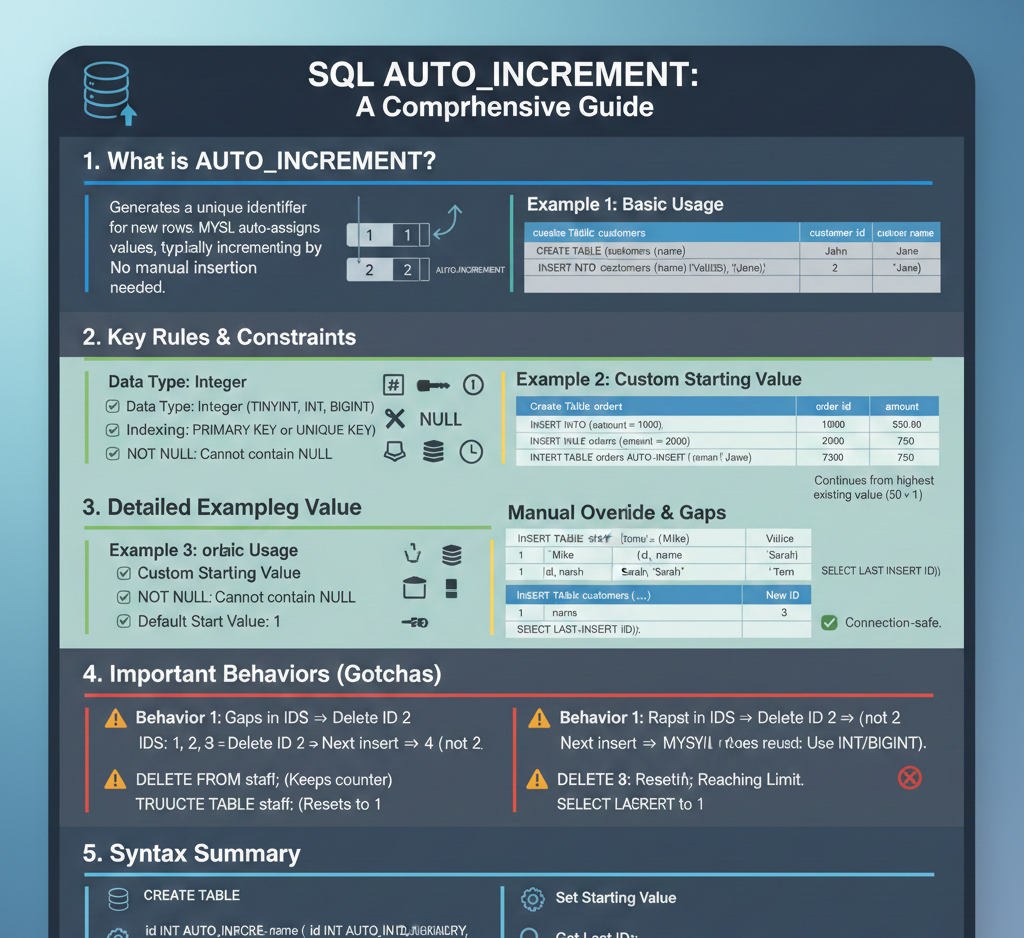
The AUTO_INCREMENT attribute is used to generate a unique identifier for new rows in a table.
When a column is set to AUTO_INCREMENT, MySQL automatically assigns a new value by incrementing the previous value (usually by 1).
➡️ You do not need to manually insert a value into this column.
2. Key Rules & Constraints
Before using AUTO_INCREMENT, these rules must be followed:
- Data Type: Must be an integer type
(TINYINT,SMALLINT,INT,BIGINT) - Indexing: Must be indexed
(PRIMARY KEYorUNIQUE KEY) - NOT NULL: Cannot contain
NULLvalues - One Per Table: Only one
AUTO_INCREMENTcolumn per table - Default Start Value: Starts from
1by default
3. Detailed Examples with Output
📌 Example 1: Basic Usage (Primary Key)
SQL Code
CREATE TABLE customers (
    customer_id INT AUTO_INCREMENT PRIMARY KEY,
    customer_name VARCHAR(50) NOT NULL,
    email VARCHAR(100)
);

INSERT INTO customers (customer_name, email) VALUES
('John Doe', 'john@example.com'),
('Jane Smith', 'jane@example.com');

SELECT * FROM customers;
Output
customer_id | customer_name | email
1           | John Doe      | john@example.com
2           | Jane Smith    | jane@example.com
➡️ customer_id was not provided, but MySQL generated it automatically.
📌 Example 2: Setting a Custom Starting Value
Method A: During Table Creation
CREATE TABLE orders (
    order_id INT AUTO_INCREMENT PRIMARY KEY,
    amount DECIMAL(10,2)
) AUTO_INCREMENT = 1000;

INSERT INTO orders (amount) VALUES (500.00);
SELECT * FROM orders;
Method B: Altering an Existing Table
ALTER TABLE orders AUTO_INCREMENT = 1000;

INSERT INTO orders (amount) VALUES (750.00);
SELECT * FROM orders;
Output
order_id | amount
1000     | 500.00
1001     | 750.00
AUTO_INCREMENT
📌 Example 3: Manual Override & Gaps
SQL Code
CREATE TABLE staff (
    id INT AUTO_INCREMENT PRIMARY KEY,
    name VARCHAR(50)
);

INSERT INTO staff (name) VALUES ('Mike');
INSERT INTO staff (id, name) VALUES (50, 'Sarah');
INSERT INTO staff (name) VALUES ('Tom');

SELECT * FROM staff;
Output
id | name
1  | Mike
50 | Sarah
51 | Tom
➡️ MySQL always continues from the highest existing value (50 + 1 = 51).
📌 Example 4: Retrieving the Last Inserted ID
SQL Code
INSERT INTO customers (customer_name, email)
VALUES ('Alice Wonderland', 'alice@example.com');

SELECT LAST_INSERT_ID() AS `New ID`;
Output
New ID
3
✅ LAST_INSERT_ID() is connection-safe (it only returns your session’s last ID).
4. Important Behaviors (Gotchas)
⚠️ Behavior 1: Gaps in IDs
- IDs:
1, 2, 3 - Delete ID
2 - Next insert →
4(not2)
✔️ MySQL does not reuse deleted IDs.
⚠️ Behavior 2: Resetting the Counter
DELETE FROM staff;       -- Keeps AUTO_INCREMENT (next ID = 52)
TRUNCATE TABLE staff;    -- Deletes data + resets counter (next ID = 1)
⚠️ Behavior 3: Reaching the Limit
TINYINTmax value =127- Exceeding the limit causes an error
✅ Best Practice:
- Use
INT(≈ 2 billion) - Or
BIGINT(≈ 9 quintillion)
5. Syntax Summary
-- Create table
CREATE TABLE table_name (
    id INT AUTO_INCREMENT PRIMARY KEY,
    ...
);

-- Set starting value
ALTER TABLE table_name AUTO_INCREMENT = 100;

-- Get last inserted ID
SELECT LAST_INSERT_ID();
AUTO_INCREMENT
https://aryugyan.com/wp-content/uploads/2026/01/Gemini_Generated_Image_4p6qd24p6qd24p6q.png
About the Author